Build a Minimal Crypto/Trading Dashboard in 30 Minutes
This guide walks you through a pragmatic, time-boxed approach to deliver a usable trading dashboard fast. Focus on a single clean data source, a few core metrics, simple layout and basic interactivity; iterate later for scalability and polish.
- TL;DR: pick one data source, define 3–4 metrics, scaffold layout, wire 2–3 charts, add filters + refresh, validate, deploy.
- Target: a prototype with candlestick, volume bars, and a heatmap connected to live or near-live data.
- Outcome: deployable static app or containerized service you can expand later.
Quick answer — In 30 minutes: pick one clean data source, define 3–4 core metrics (price, volume, open interest, P&L), scaffold a simple grid layout, wire 2–3 charts (candlestick, volume bars, heatmap) to that source, add a couple of filters and a refresh mechanism (polling or websocket), run quick validation and deploy to a static host or container — iterate later for advanced features.
Choose a reliable API (exchange, market data provider, or internal stream), pick price, volume, open interest and P&L as core metrics, scaffold a 2–3 column grid, add a candlestick chart with synchronized volume bars and a small heatmap for order/position concentration, wire updates via polling or WebSocket, validate on a small time window, then deploy the static app or container and iterate.
Define scope and success criteria
Write a concise brief: what the prototype must show, who uses it, and what counts as “done”. Keep scope minimal to stay within 30–60 minutes for a first pass.
- Primary user: trader, analyst, product stakeholder—note their key decisions.
- Must-have features: price chart, volume bars, open interest or P&L indicator, basic filters (symbol, timeframe), auto-refresh.
- Nice-to-have (deferred): order book depth, alerts, backtesting, auth.
Success criteria (example):
- Load and display latest 1–7 days of minute or 5-minute data for a single symbol.
- Candlestick + volume and a heatmap reflecting position or order density.
- Filters update charts within 1–2s; deployable to Netlify or a small container.
Prepare and connect data source
Pick one clear data source to avoid integration delays. Options:
- Public exchange REST/WebSocket (Binance, Coinbase Pro, FTX mirror, Deribit).
- Market data provider with free tier (Alpha Vantage, Finnhub).
- Internal CSV/JSON or mock server if live access is restricted.
Practical checklist:
- Confirm the endpoint returns OHLC (open/high/low/close) and volume. If you need open interest, verify the field or use a separate endpoint.
- Decide timeframe (1m, 5m, 1h) and pull a small fixed window (e.g., last 1,000 candles).
- If using REST, implement polling; if WebSocket is available and stable, prefer it for low latency updates.
| Source | Pros | Cons |
|---|---|---|
| Exchange REST | Simple, broad coverage | Higher latency, rate limits |
| Exchange WebSocket | Low latency, real-time | More complex reconnection logic |
| Mock CSV/JSON | Fast dev, deterministic | Not live |
Choose metrics and chart types
Limit metrics to what drives decisions. For a trading dashboard, 3–4 metrics are ideal:
- Price (OHLC) — candlestick chart.
- Volume — stacked bars aligned with candles.
- Open interest — line or area underlay.
- P&L (optional) — small numeric card or chart for active positions.
Chart choices and rationale:
- Candlestick: best for price action and patterns.
- Volume bars: confirm moves and liquidity.
- Heatmap: visualize order concentration, intensity, or P&L distribution across strikes/time.
Scaffold layout and wire components
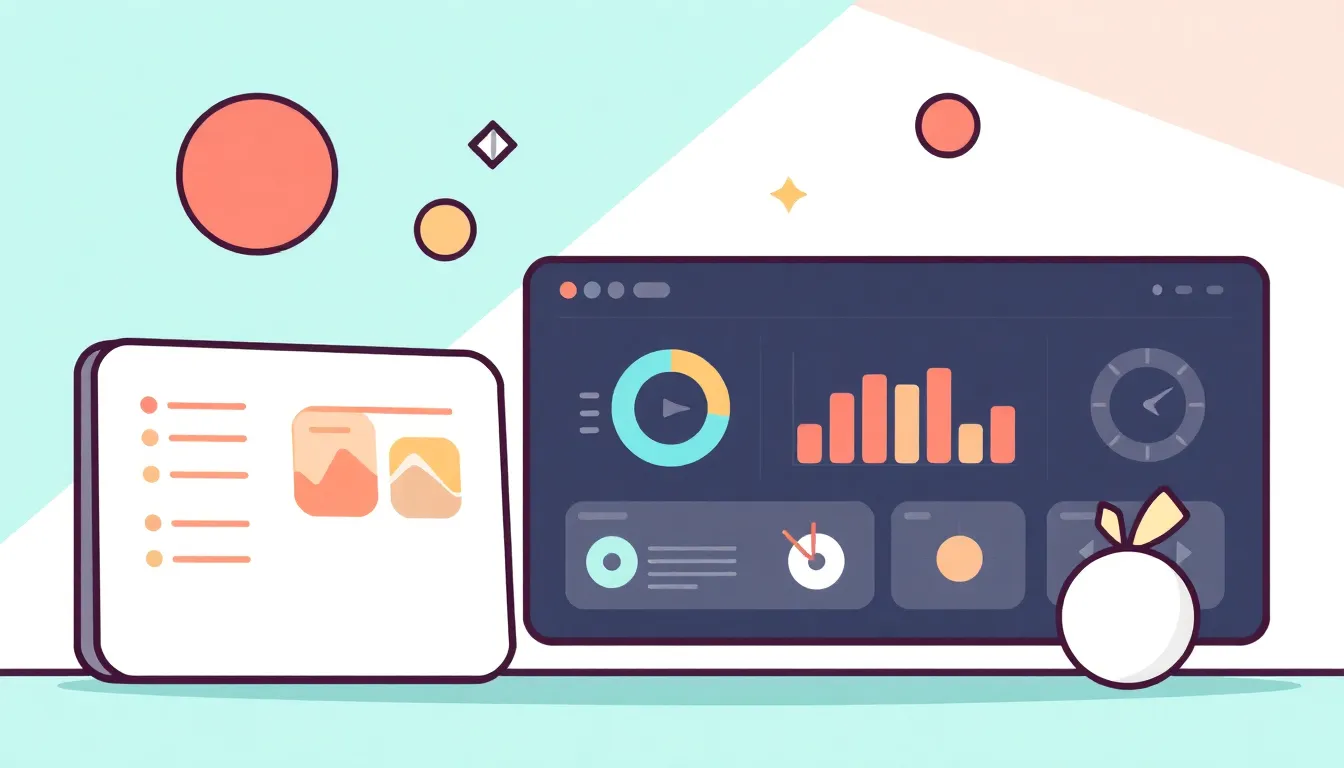
Keep layout simple and responsive. Use a 2-row, 2-column grid for desktop and stacked columns for mobile.
- Header: symbol selector, timeframe, refresh toggle.
- Main left: candlestick + synchronized volume bars.
- Main right: heatmap or open-interest chart + P&L card.
- Footer: small logs/status and last update timestamp.
Example HTML component tree (conceptual):
<header><select id="symbol">...</select><select id="tf">...</select></header>
<main class="grid">
  <section id="price-chart"></section>
  <section id="side-charts"></section>
</main>
<footer id="status"></footer>
Implement charts and data bindings
Use a lightweight charting library you’re comfortable with. Options:
- Charting Libraries: Lightweight — Chart.js (candlestick plugin), Lightweight-Charts (TradingView lightweight), ECharts.
- Heatmaps: ECharts or simple canvas grid for intensity visualization.
- Bindings: fetch OHLC -> transform to library format; bind volume and overlay open interest if available.
Key implementation steps:
- Fetch initial dataset (last N candles) and render charts.
- Ensure time alignment — same timezone and timestamp resolution for all series.
- On update, append or patch the latest candle rather than re-rendering whole dataset for performance.
| API | Chart Format |
|---|---|
| {t: 1610000000, o: 32000, h: 32500, l: 31900, c: 32250, v: 120} | [time, open, high, low, close] |
Add filters, interactivity, and auto-refresh
Keep interactions lightweight and predictable.
- Filters: symbol dropdown, timeframe, simple date-range quick buttons (1D, 7D, 30D).
- Interactivity: hover tooltips, crosshair sync between price and volume, click to freeze tooltip.
- Auto-refresh: polling (interval 5–30s) or WebSocket. Implement exponential backoff for errors.
Polling pattern (pseudo):
setInterval(async () => {
  const latest = await fetchLatest();
  if (latest.timestamp > lastTimestamp) {
    updateCharts(latest);
    lastTimestamp = latest.timestamp;
  }
}, pollingInterval);
Test, optimize, and deploy
Quick validation checklist:
- Data correctness: spot-check 10 random candles vs. source API.
- UI: filters trigger expected behavior; charts align on time axis.
- Performance: initial dataset under 1,000 points renders smoothly; updates are incremental.
Optimization tips:
- Append/patch data instead of full re-renders.
- Limit DOM updates: update numeric cards only when changed.
- Compress payloads or request delta updates when possible.
Deployment options:
- Static: host on Netlify, Vercel, GitHub Pages if client-side only.
- Container: Dockerize a small Node/Express app for server-side proxying or WebSocket relay; deploy to Cloud Run or any container host.
Common pitfalls and how to avoid them
- Pitfall: Choosing multiple data sources early — Remedy: start with one canonical source and normalize later.
- Pitfall: Re-rendering entire charts on each update — Remedy: use append/patch APIs or partial updates.
- Pitfall: Ignoring timezone mismatches — Remedy: convert timestamps to UTC and normalize intervals.
- Pitfall: No error/reconnect handling for WebSocket — Remedy: implement reconnection with backoff and a fallback to polling.
- Pitfall: Overloading UI with metrics — Remedy: prioritize core metrics and add advanced panels as toggles.
Implementation checklist
- Select data source and verify fields (OHLC, volume, optionally open interest).
- Create simple UI with symbol and timeframe controls.
- Render candlestick + volume and heatmap side panel.
- Add polling or WebSocket updates and handle errors.
- Validate data integrity, optimize updates, and deploy to static host or container.
FAQ
- Q: Which chart library should I use for fastest delivery?
- A: Lightweight-Charts (by TradingView) or ECharts for quick, performant candlesticks and volume with minimal setup.
- Q: Should I use WebSockets or polling?
- A: Use WebSockets for real-time needs; choose polling for simplicity or when the API lacks streaming support.
- Q: How many candles should I fetch initially?
- A: 500–1,000 candles is a good balance for minute/5-minute timeframes; fewer for higher-resolution views.
- Q: How do I show P&L if I only have market data?
- A: Compute P&L client-side from position size and entry price; display as a numeric card or small time series.