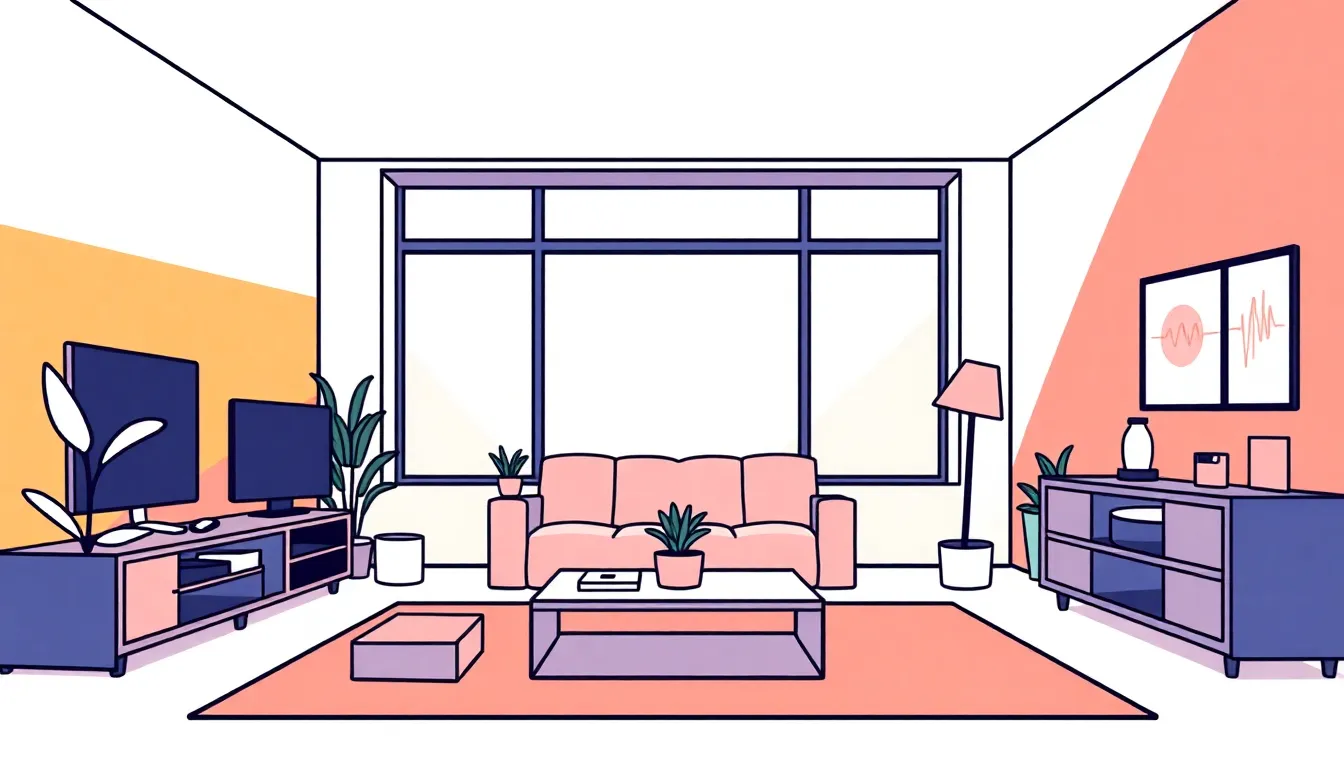
Design a Future-Ready Hybrid Living Room That Works for Life, Work, and Play
A hybrid living room blends living, working, and entertaining in one adaptable space. Thoughtful layout, multipurpose furniture, and unobtrusive tech let the room shift roles across a day without feeling cluttered or chaotic.
- Define clear goals so every choice supports the room’s main uses.
- Zone and furnish for flexibility with modular, multipurpose pieces.
- Integrate power, connectivity, lighting, and acoustics for seamless transitions.
- Design storage and visual transitions to minimize clutter and preserve calm.
- Avoid common pitfalls like over-tech, poor sightlines, and insufficient power planning.
Define the goal: Clarify your hybrid living-room purpose
Start by naming the primary and secondary functions. Examples: “Primary: family relaxation and streaming; Secondary: remote work two afternoons a week.” A clear statement informs layout, furniture choice, and tech requirements.
- List users: adults, kids, roommates, guests, pets.
- Identify peak activities by time of day: morning routines, daytime work, evening media, weekend hosting.
- Decide permanence of setup: temporary work corner vs. dedicated home office in the living room.
Write a short mission line for the space (one sentence). Use it when choosing furniture, tech, and finishes to avoid scope creep.
Quick answer — concise 1-paragraph summary
Design a future-ready hybrid living room by defining its primary purposes, zoning flexible activity areas, choosing modular multipurpose furniture, integrating discreet power and connectivity, and optimizing lighting and acoustics—backed by intentional storage and clear transitions so the space shifts smoothly between work, play, and rest.
Assess space, users, and daily workflows
Measure the room and map circulation paths (doorways, windows, heat vents). Note fixed constraints that limit furniture placement: radiators, TV, large windows, or built-ins.
- Occupancy profile: how many people use the room simultaneously and for what activities.
- Workflow mapping: sketch a typical day and highlight peak-use moments (video calls, family dinner prep, movie night).
- Accessibility and ergonomics: clearance for mobility, seating heights, screen sightlines.
| Item | Notes |
|---|---|
| Room dimensions | Length x width x ceiling height |
| Fixed elements | Windows, doors, built-ins, vents |
| Power & data locations | Outlets, Ethernet jacks, cable runs |
| Light sources | Natural light times, glare spots |
Zone the room: Create flexible activity areas
Use zones to separate functions without heavy construction. Clear zones reduce clutter and mental friction when switching activities.
- Activity zones: media/relax, work, social/meal, play/hobby.
- Visual separation: rugs, lighting layers, open shelving, low partitions, or curtain tracks.
- Physical separation: orient seating to create backs-to-backs or L-shaped layouts that define areas while keeping sightlines.
Examples: a sofa and rug define the media zone; a small desk tucked behind a console creates a discrete work nook that can be closed visually with a rolling screen.
Select furniture: Prioritize adaptable, multipurpose pieces
Choose pieces that serve more than one function and are easy to move. Prioritize scale, mobility, and storage integration.
- Sofa beds or modular sectionals: reconfigure for guests or extra seating.
- Fold-down desks and wall-mounted tables: free floor space when not in use.
- Nesting/stacking tables and ottomans with storage: flexible surfaces and hidden storage.
- Console desks and credenzas: act as media cabinets, work surfaces, and storage.
| Function | Recommended pieces |
|---|---|
| Work | Compact desk, ergonomic chair, monitor arm |
| Relax | Sectional, recliners, media console |
| Entertain | Extendable dining table, nesting tables |
Integrate tech: Seamless AV, power, and connectivity
Plan power and data before you shop. Concealed, accessible power and reliable connectivity make hybrid use frictionless.
- Power: floor outlets, recessed pop-up outlets, and strategically placed power strips with surge protection.
- Connectivity: hardwired Ethernet to at least one location; mesh Wi‑Fi to cover dead zones.
- AV: wall-mounted TV on a swivel bracket, soundbar or compact AV receiver, and wireless casting for guest use.
- Cable management: trunking, cord covers, or furniture with built-in channels for tidy runs.
Small examples: install a USB-A/C outlet near the sofa for phone charging and plan a single concealed cable for a desk monitor to avoid a web of wires.
Optimize lighting and acoustics for mixed use
Layered lighting and targeted acoustic treatments let the room shift moods and functions with simple controls.
- Lighting layers: ambient (dimmable overhead), task (desk lamp, reading light), accent (wall washers, picture lights).
- Controls: zoneable dimmers, smart bulbs, or scene presets to switch from “work” to “movie” easily.
- Acoustics: rugs, upholstered furniture, curtains, and wall panels reduce reverberation and improve call quality.
Tip: Place a directional desk lamp with an adjustable arm to avoid screen glare while keeping ambient lighting low for evening TV.
Design storage and transitions to reduce clutter
Designate permanent homes for items so they don’t migrate across zones. Transition furniture helps hide work from leisure.
- Concealed storage: media cabinets, ottomans with lids, storage benches.
- Task-specific bins: cable caddies, laptop docking baskets, headphone hooks.
- Visual transitions: low bookcases, open shelving, or plant screens create soft boundaries without closing the room.
| Solution | Best for |
|---|---|
| Credenza with drawers | Office supplies, printer, charging station |
| Ottoman with internal compartment | Blankets, remotes, kids’ toys |
| Wall shelf with baskets | Paperwork, cables, small hobby items |
Common pitfalls and how to avoid them
- Over-tech: avoid adding devices without a clear use—standardize on a few reliable tools and hide extras.
- Poor sightlines: position workspaces so screens don’t dominate the primary relaxation view; use swivel mounts as needed.
- Insufficient power/data: pre-plan outlets and Ethernet—retrofits are costly and disruptive.
- Rigid furniture choices: choose modular items to adapt to changing needs rather than fixed built-ins.
- Clutter accumulation: enforce “end-of-day reset” routines and assign storage homes for daily items.
Implementation checklist
- Write a one-sentence mission for the room.
- Measure room and mark fixed elements and outlet locations.
- Sketch zones and test with temporary furniture placement.
- Select modular furniture and confirm mobility/scale.
- Plan power, Ethernet, and AV concealment paths.
- Install layered lighting and basic acoustic softeners.
- Create labeled storage zones and a daily reset habit.
FAQ
- How much space do I need to add a functional work nook?
- A compact desk (80–100 cm wide) plus chair clearance of ~90 cm behind the chair fits in about 1.5–2 m²; alternatives include wall-mounted fold-down desks for tighter spaces.
- Should I hardwire Ethernet or rely on Wi‑Fi?
- Hardwire at least one location for high-reliability needs (video calls, streaming). Use mesh Wi‑Fi to cover other zones for convenience.
- What seating works best for mixed use?
- Modular sectionals and chairs on casters combine comfort and mobility. Keep an ergonomic desk chair available for long work sessions, but store it in a way that doesn’t dominate leisure zones.
- How do I hide cables without sacrificing access?
- Use furniture with cord channels, recessed power outlets, and removable panels for access. Label cables at both ends for easy maintenance.
- Can a hybrid living room reduce stress or increase productivity?
- Yes—if zones, storage, and clear transition routines are designed to separate work and leisure visually and functionally, cognitive load drops and productivity and relaxation both improve.